Prefer AI? Summarize this with ChatGPT,
Claude,
Google AI Overview, or
Perplexity.
You found the perfect page for your link. A guide that's missing exactly what you wrote, or a list where your product clearly belongs. Then you hit the wall every outreach campaign hits: there's no email address anywhere on it.
Most guides on this topic are written by companies that sell email finder tools, so the answer always ends with their tool. Tools help, but most of the time the address is already on the website, and you can find it in a few minutes if you look in the right order.
This is the order we use: start with what's free and most reliable, stop as soon as you have a named address on the site's own domain, and verify it before you send anything.
The short version
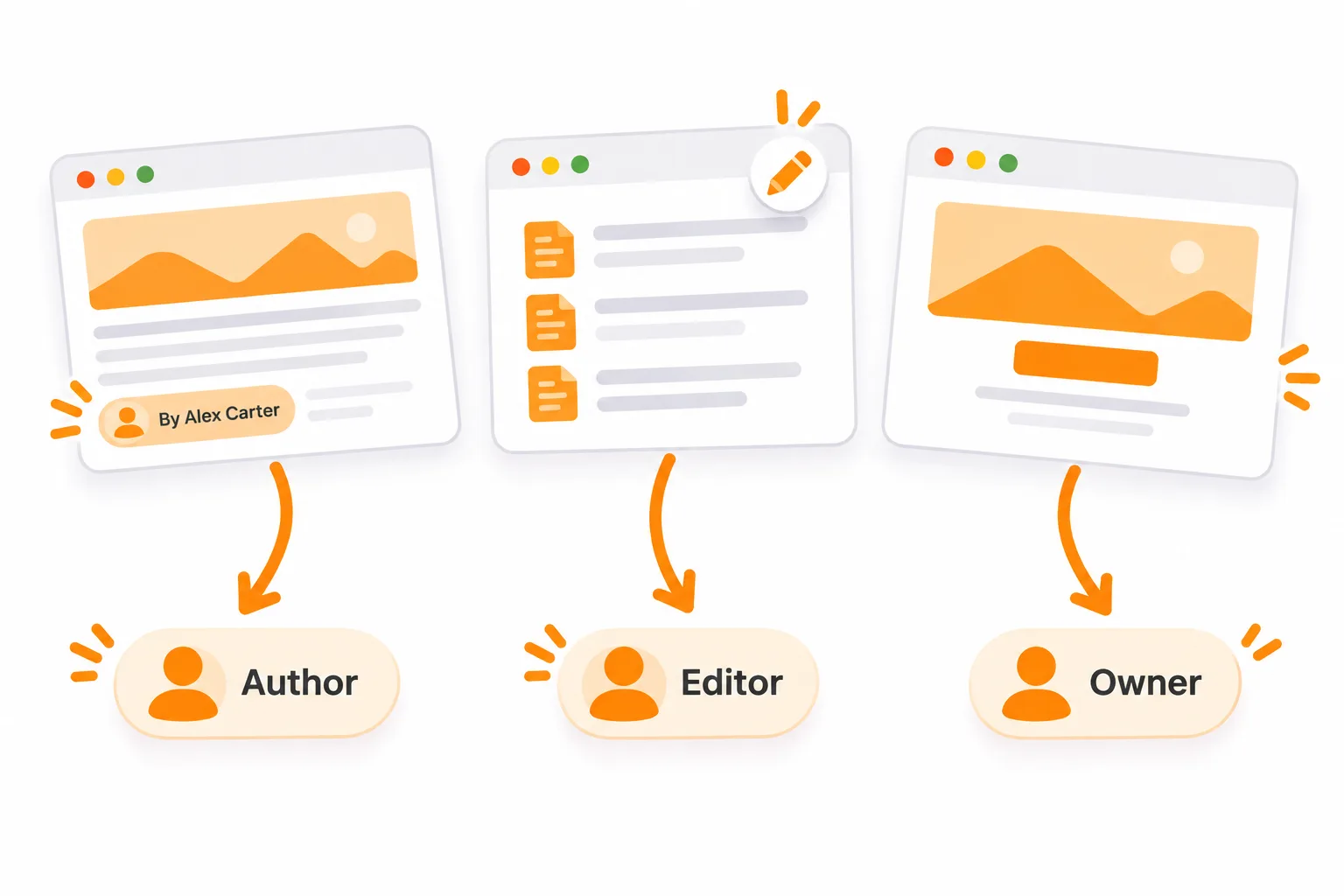
- Decide who you need: the author, the editor or the owner.
- Check the page, the author bio and the site's About, Contact and "Write for us" pages.
- Search the site with Google:
site:example.com "@example.com". - Check the person's own site, social bios and newsletter.
- Work out the company's email format from one address you know is real.
- Verify the address before you send.
Stop at the first step that gives you a named address on the site's domain, like jane@example.com, then jump to verification.
First, decide who you actually need
The right person depends on the page, not the website. Emailing the wrong one is the most common reason a good pitch goes nowhere.
| Page you want a link on | Who to email | Why |
|---|---|---|
| Blog post or guide with a byline | The author | They wrote it and can usually update it, or know who can |
| Resource page or tool list | Whoever maintains the page, often an editor or marketing lead | Lists are kept up by one owner, not the original writer |
| News or magazine article | The journalist first, the section editor second | Writers take corrections and updates to their editors |
| Small or one-person site | The owner | They are the author, editor and webmaster at once |
If the page has no byline, the author contact finder reads it and tells you who wrote it and where to reach them.
Step 1: Check the page and the author's bio
Start where the site wants you to look. It takes about two minutes:
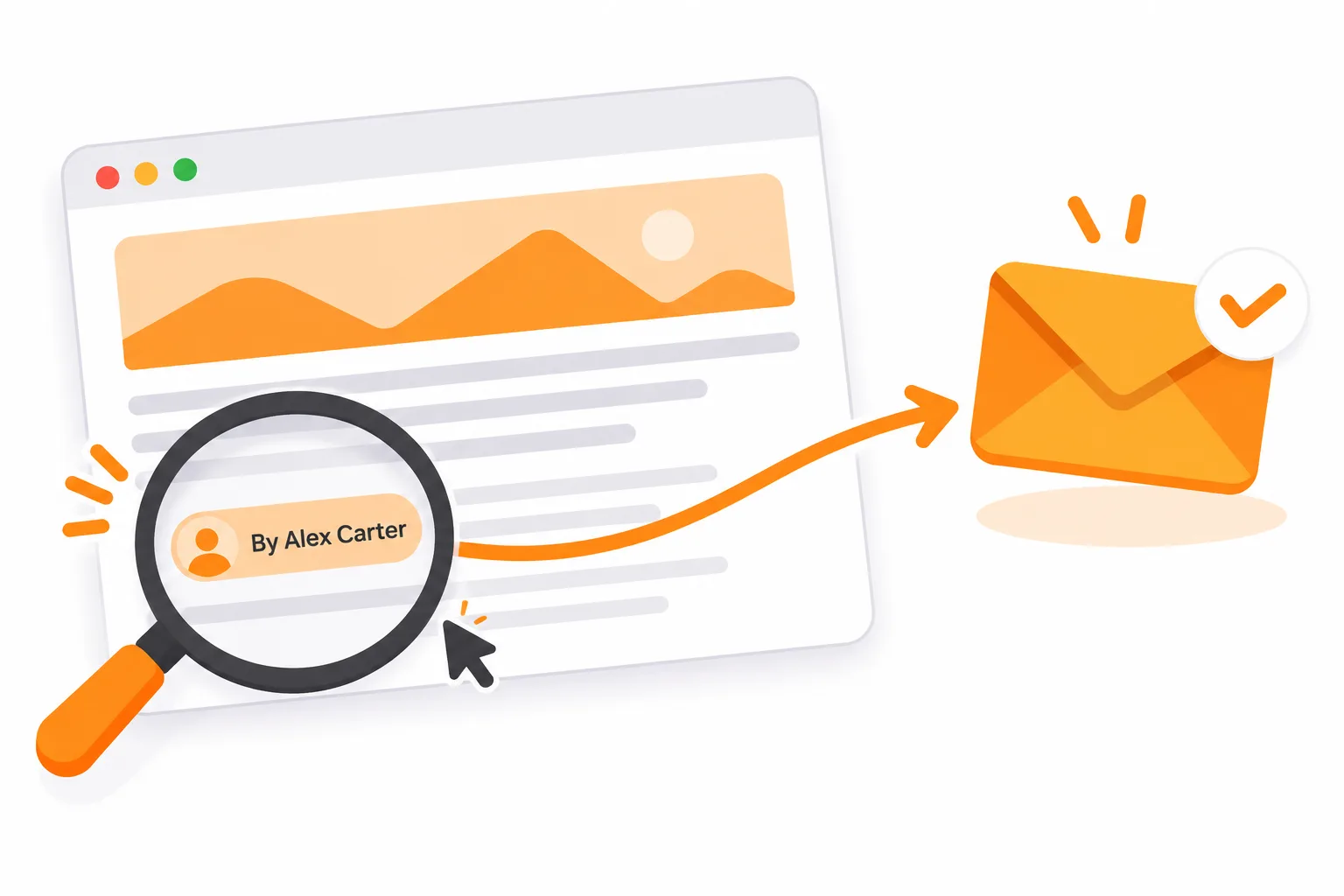
- The byline. Click the author's name. Author pages often list an email or the social profiles where they take messages.
- The bio box at the end of the post.
- About, Contact and Team pages. Smaller sites often list each person's address.
- "Write for us" or "Contribute" pages. The submissions address is usually the inbox that handles content requests, which is exactly where a link request belongs.
- The footer, media kit and advertising page. These often carry an editorial or partnerships address.
If you find a named address on the site's domain, you're done. Skip to verification.
Step 2: Search the site with Google
Google's site: operator limits results to one domain, which turns Google into a search box for that website (Google's list of search operators explains how it works). Try these, swapping in the real domain and name:
site:example.com "@example.com"finds every page on the site that shows an address.site:example.com "Jane" emailfinds the author's own mentions of how to reach her."@example.com" -site:example.comfinds the domain's addresses quoted elsewhere: guest posts, press releases, conference pages.site:example.com filetype:pdfturns up media kits and reports, which often list contacts.
The third query is the most underrated. Addresses a site hides on its own pages often appear on someone else's.
Step 3: Look where they publish outside the site
Writers and founders rarely live on a single website. Check:
- Their personal site. Freelance writers almost always have a contact page.
- Social bios. X and Bluesky bios, and the Contact info section on LinkedIn when the person chose to share it.
- Their newsletter. On many newsletter platforms a reply to an issue goes to the writer's inbox. If your pitch fits what they write about, that reply is a welcome channel, not a back door.
- Podcast and conference pages. Guest and speaker pages often list a booking or contact address.
Step 4: Work out the company's email format
If you have a name but no address, one real address at the same domain shows you the format. The common ones are:
Find one real address (the contact page, a press release, or the Step 2 search) and apply the same format to your person's name.
A guessed address isn't a found address. Treat it as unconfirmed until it passes verification, and don't send to several guesses for the same person at once.
Step 5: Verify before you send
A wrong address costs more than one lost email. Mailbox providers judge senders by how their mail is received, and repeated bounces tell them you're mailing addresses you never checked. Google, for example, asks bulk senders to keep their reported spam rate below 0.3% and to authenticate every message (Gmail's email sender guidelines list the full requirements). A domain with a bad reputation lands in spam for everyone, including the people who would have replied.
Bounces happen even when you're careful. Across 6,983 outreach emails sent through Mentiohunt between July and October 2026, 958 bounce notices came back, and that is on a platform that checks addresses before the first send (the full numbers are public).
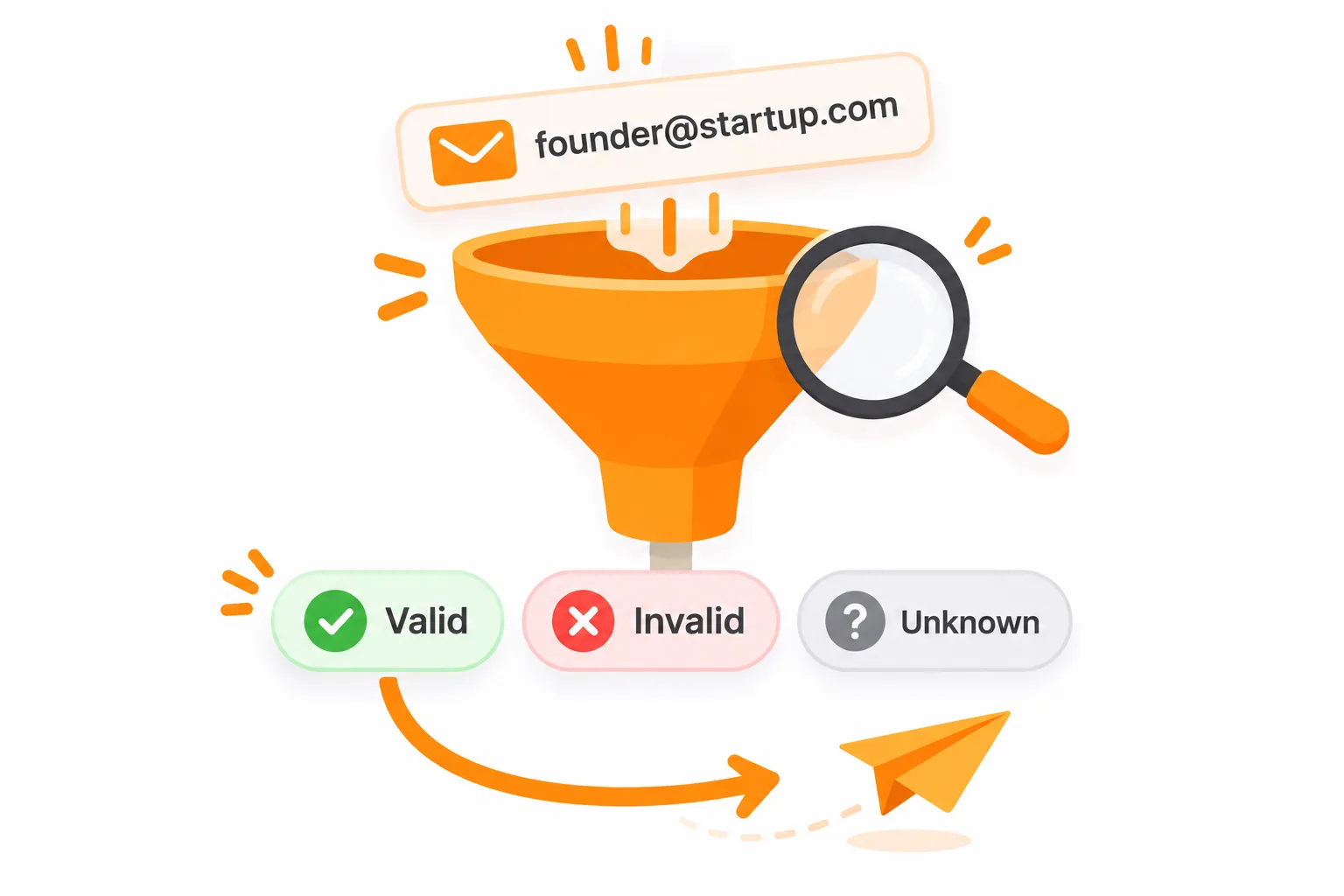
A verifier asks the recipient's mail server whether the mailbox exists, without sending anything. You get one of three answers:
- Valid: the mailbox exists. Send.
- Invalid: it doesn't. Go back a step.
- Unknown: usually a catch-all domain that accepts every address, so the server can't confirm yours. Send only if the address was published somewhere, not guessed.
A quick first pass is the free bulk email verifier: paste your list and it flags bad syntax, domains with no working mail server, disposable inboxes and generic role addresses before any of them cost you a send.
When a finder tool is worth it, and why WHOIS rarely helps
Email finder tools combine format guessing with databases of addresses seen around the web. They're worth paying for when you contact dozens of sites a week and the steps above take you more than a few minutes per site.
Two limits to keep in mind. Their coverage of small sites and one-person blogs is thin, because those people rarely appear in sales databases. And a "found" address is often a format guess with a confidence score, so verify it anyway.
Ahrefs' walkthrough shows both sides: finder tools, plus the free methods (contact pages, site: searches for "gmail.com", searching someone's old tweets for an address, testing format combinations) and a verification check at the end. It was recorded in 2018, so some of the tools in it have changed, but the free methods still work the same way.
WHOIS used to list a domain owner's email. Since May 2018, ICANN's rules let registrars hide personal data in public records (ICANN's Registration Data Policy sets out what can be redacted), and most now show "REDACTED" or a forwarding form instead. For outreach, it's rarely worth the look.
Is info@ worth emailing?
On a small site, often yes: the owner reads the shared inbox. On a larger site, info@ and contact@ usually reach support or sales, not the editor who can change the page.
Use a generic inbox or contact form as a last resort. Put the page URL and the person's name in the first line, so whoever reads it knows where to forward it.
Stay on the right side of the rules
Finding an address doesn't give you permission to email it however you like.
- United States. If your email promotes your product or service, CAN-SPAM applies, business email included. Say who you are, don't use deceptive subject lines, give a way to opt out and honor it. The FTC's CAN-SPAM compliance guide puts the penalty at up to $53,088 for each email that breaks the rules.
- United Kingdom. Under PECR you can email employees of limited companies without prior consent, but sole traders and some partnerships count as individuals and generally need consent (the ICO's guidance on business-to-business marketing covers the details). If you can't tell which one you're emailing, the ICO says to treat them as an individual.
- Everywhere. Use addresses published for professional contact. Skip personal addresses someone shared in a different context.
This is general information, not legal advice.
Doing this for 50 sites a week
Each site takes between two and ten minutes by hand. At 50 prospects a week, contact finding alone eats an afternoon, before you've written a single email.
That's the part Mentiohunt automates. For each site where your article fits, it looks for the person likely to make the editorial call, labels every address by where it came from (published on the site or guessed), and checks it before the first email goes out. Outreach then runs up to the prospect's first reply, and you take the conversation from there.
The takeaway
Start on the page, not in a tool. Stop at the first named address on the site's own domain, verify it, and write to that one person about that one page. If you need a starting point for the email itself, the backlink request template is built for exactly this situation.
Founder at Mentiohunt. Building distribution tools for founders and small marketing teams. Writes about backlink building and founder-led growth.
Turn this guide into a weekly opportunity queue.
Mentiohunt finds relevant backlink opportunities from your site, competitors and keywords, explains why each one fits, and runs the outreach through the first reply. The preview is free and sends nothing.