Prefer AI? Summarize this with ChatGPT,
Claude,
Google AI Overview, or
Perplexity.
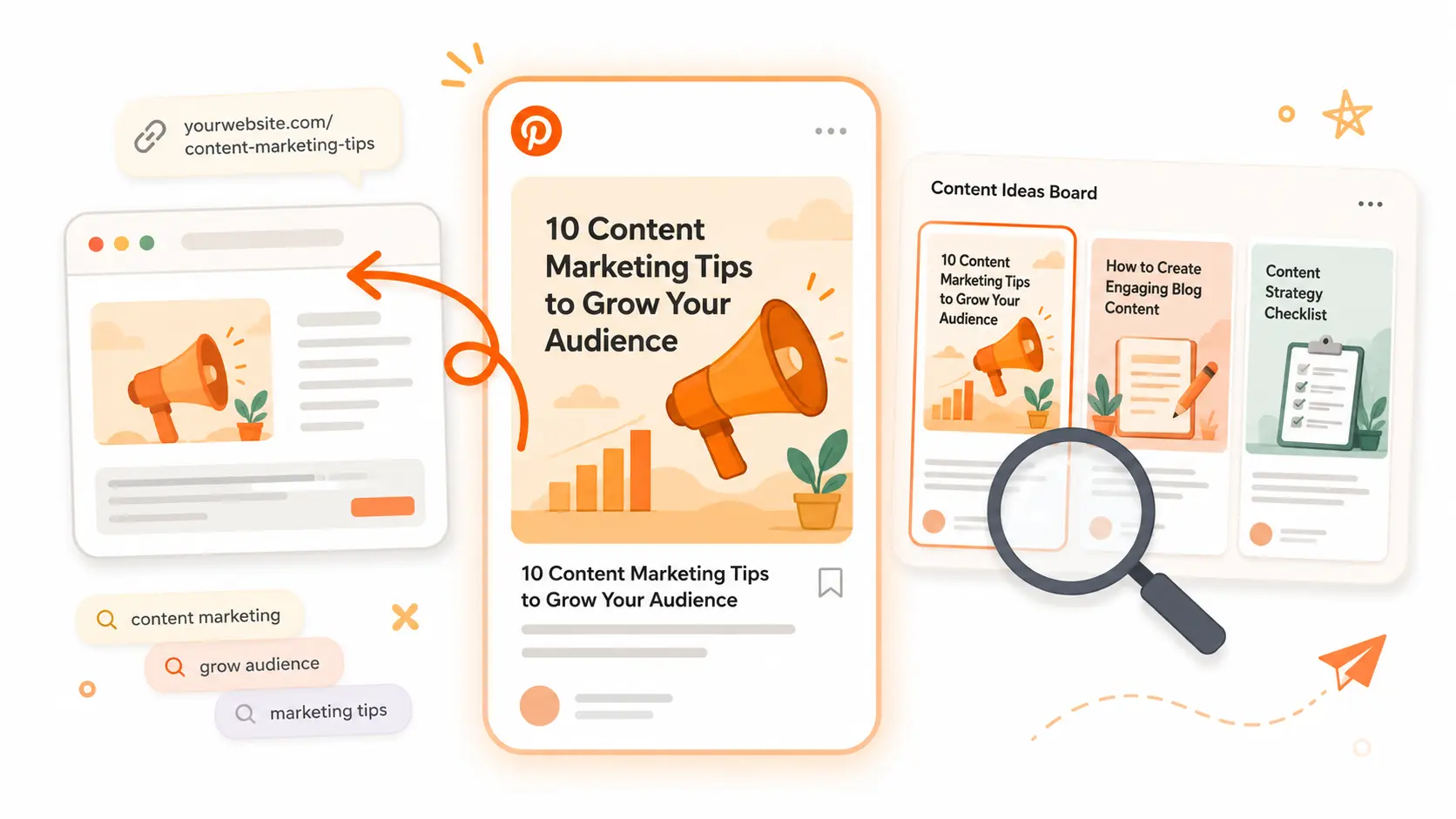
Pinterest backlinks are links from Pins to pages on your website. They usually will not pass ranking credit like an editorial backlink, but they can still send qualified visitors to a useful guide, tool, template, or product page.
Quick answer: To get backlinks from Pinterest, use a Business account, claim your website, and publish original Pins that link to specific pages. Pinterest recommends vertical 2:3 creative, useful titles and descriptions, and relevant keywords in Pin copy, boards, and destination URLs. Track outbound clicks and conversions rather than treating Pin count as the goal.
What a Pinterest backlink can and cannot do
Each standard Pin can include a destination URL. When someone clicks through, Pinterest becomes a referral source for that visit.
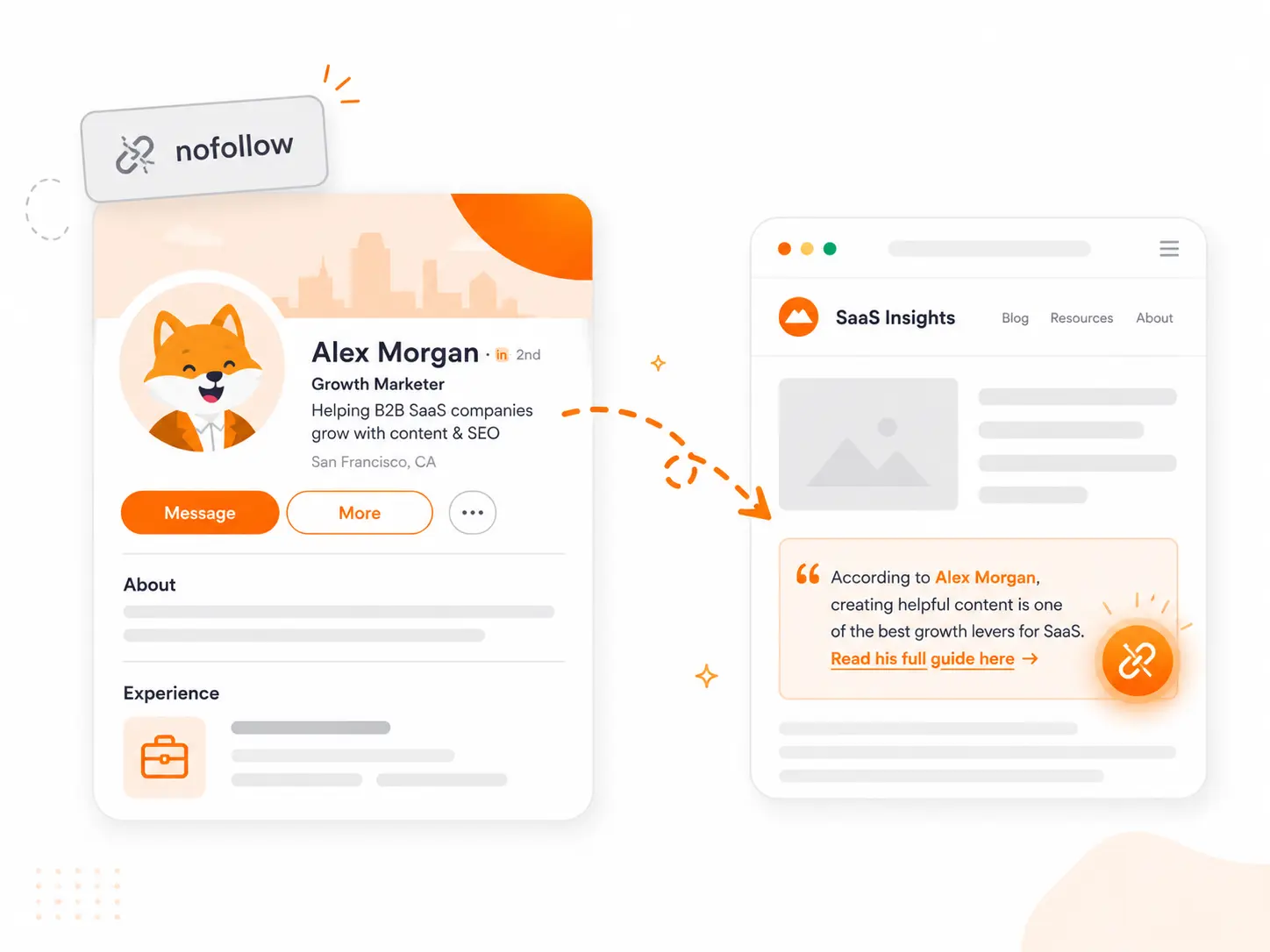
For SEO, treat these as qualified or nofollow links. Google recommends marking links that should not be followed normally with rel="nofollow", so a Pinterest link is not a substitute for an independently earned editorial citation.
Pinterest can still be useful in three ways:
- Referral traffic: a relevant Pin can bring people directly to the page it represents.
- Content discovery: saves and distribution can expose a useful asset to audiences beyond your existing followers.
- Secondary link earning: a writer or curator who discovers your research, template, or tool may later cite it from their own site. That outcome is indirect and never guaranteed.
This makes Pinterest different from earning backlinks from news websites or from Forbes. Use it as a discovery channel first, not as a shortcut to link equity.
Set up the account correctly
Start with two foundations:
- Use a Pinterest Business account and claim your website. Pinterest says claiming a site connects Pins saved from that domain to your profile and gives you insight into how often your content is shared. Follow its website-claiming instructions rather than relying on link attribution alone.
- Make the destination work on mobile. Pin creative is commonly viewed in a narrow feed. The page should load quickly, match the Pin's promise, and make the next step obvious without forcing the visitor to hunt for it.
Claiming your website does not turn Pinterest links into dofollow backlinks. It improves ownership, attribution, and measurement.
Choose pages worth pinning
The best destinations have a clear payoff before the click. Good candidates include:
- visual guides and step-by-step tutorials;
- checklists, templates, and downloadable resources;
- free tools that solve a specific problem;
- original research, benchmarks, and charts;
- focused product pages with a concrete use case.
A generic homepage is usually a weak destination because its promise is broad. Match one Pin concept to one page and one reader intent. A Pin about checking link attributes, for example, should point to a dofollow backlink checker, not a general product homepage.
Create Pins people can understand quickly
Pinterest's creative guidance recommends a vertical 2:3 aspect ratio. A 1000 × 1500 pixel image is a practical starting point.
For each Pin:
- make the subject and benefit clear without requiring a click;
- keep text overlays short and readable on a phone;
- include visible branding without letting the logo dominate;
- write a specific title and description that accurately describe the page;
- send the click to the exact page promised by the creative.
You can test different creative angles for the same destination, but each version should add something meaningful: a different use case, chart, takeaway, or audience. Do not publish near-identical duplicates simply to increase volume.
Use keywords without stuffing them
Pinterest advises using relevant keywords in Pin titles and descriptions, board titles and descriptions, and the linked website URL. Its current performance and distribution guidance also recommends creating original content regularly and avoiding duplicate Pins that may be flagged as spam.
Use the language a real person would search for. For a link-building checklist, that might include “SaaS link building checklist” or “backlink outreach steps.” Avoid lists of loosely related phrases or captions that promise more than the destination delivers.
Boards should also be specific enough to set context. “SaaS SEO Guides” communicates more than “Marketing,” while a natural one- or two-sentence board description is more useful than a block written solely to repeat keywords.
Publish consistently, not mechanically
Pinterest recommends publishing original content at least weekly. That is a useful baseline, not a reason to force a daily schedule.
A sustainable routine is:
| Stage | Action |
|---|---|
| Set up | Create a Business account, claim the site, and select three useful destination pages |
| Produce | Create one or two distinct Pin concepts for each page using a vertical 2:3 layout |
| Publish | Add accurate titles, descriptions, boards, and destination URLs; publish across a realistic weekly cadence |
| Review | Check outbound clicks, saves, impressions, and on-site conversions; improve or retire weak concepts |
Fresh does not mean duplicated. If an existing Pin works, develop a genuinely new angle or update the underlying content rather than repeatedly uploading the same creative.
Measure the outcome that matters
Use Pinterest Analytics and your own web analytics together:
- Outbound clicks show whether a Pin sends visitors to the destination.
- Saves indicate that people found the idea worth keeping or sharing.
- Impressions show reach, but not whether that reach produced business value.
- Engaged sessions and conversions show whether Pinterest visitors actually found the page useful.
Add campaign parameters to destination URLs when you need to distinguish Pin concepts or campaigns. Review performance by destination page as well as by creative; a strong Pin cannot compensate for a slow or mismatched landing page.
Mistakes to avoid
- Treating every Pin as an SEO backlink. Pinterest is primarily a referral and discovery channel.
- Publishing duplicate Pins in bulk. Pinterest warns that duplicate content can be treated as spam.
- Sending every click to the homepage. Use the most relevant specific destination.
- Writing vague or misleading copy. The Pin and page should answer the same intent.
- Optimizing for impressions alone. Reach without outbound clicks or useful on-site behavior is not the result you want.
- Assuming claimed ownership changes link attributes. Claiming helps attribution and analytics; it does not guarantee ranking credit.
The bottom line
Pinterest backlinks are best used to distribute visual, useful content and earn qualified referral traffic. Set up ownership correctly, publish original Pins on a sustainable cadence, align every Pin with a specific page, and measure what visitors do after the click.
Pinterest will not replace editorial link building. If you also want links from relevant independent websites, Mentiohunt uses your product, competitors, keywords, and priority pages to find fitting opportunities and run personalized outreach through the first reply. You keep visibility into the queue and can cancel opportunities that are not a fit.
This guide was written by the Mentiohunt team for founders building an evidence-based backlink and referral strategy.
Founder of Mentiohunt. Built the company's own backlink pipeline using the same methods covered here — expert quote outreach, journalist sourcing platforms, and citation-worthy assets. Writes about link prospecting and founder-led distribution.
Turn platform research into a recurring opportunity queue.
Mentiohunt helps founders turn article URLs, competitors, keywords, and product context into qualified backlink opportunities with fit rationale and outreach prep.