Prefer AI? Summarize this with ChatGPT,
Claude,
Google AI Overview, or
Perplexity.
Most guides on YouTube backlinks spend five paragraphs explaining nofollow before telling you anything useful. Here's the short version: YouTube links are nofollow, they won't directly boost your rankings, and John Mueller has said so explicitly. That's still not a reason to ignore them.
The founders who get real value from YouTube backlinks aren't chasing PageRank. They're getting referral traffic from high-intent viewers, and they're teaching Google that their YouTube channel and their website are the same brand. Both outcomes are worth the effort — if you pursue the right strategies.
What YouTube actually gives you
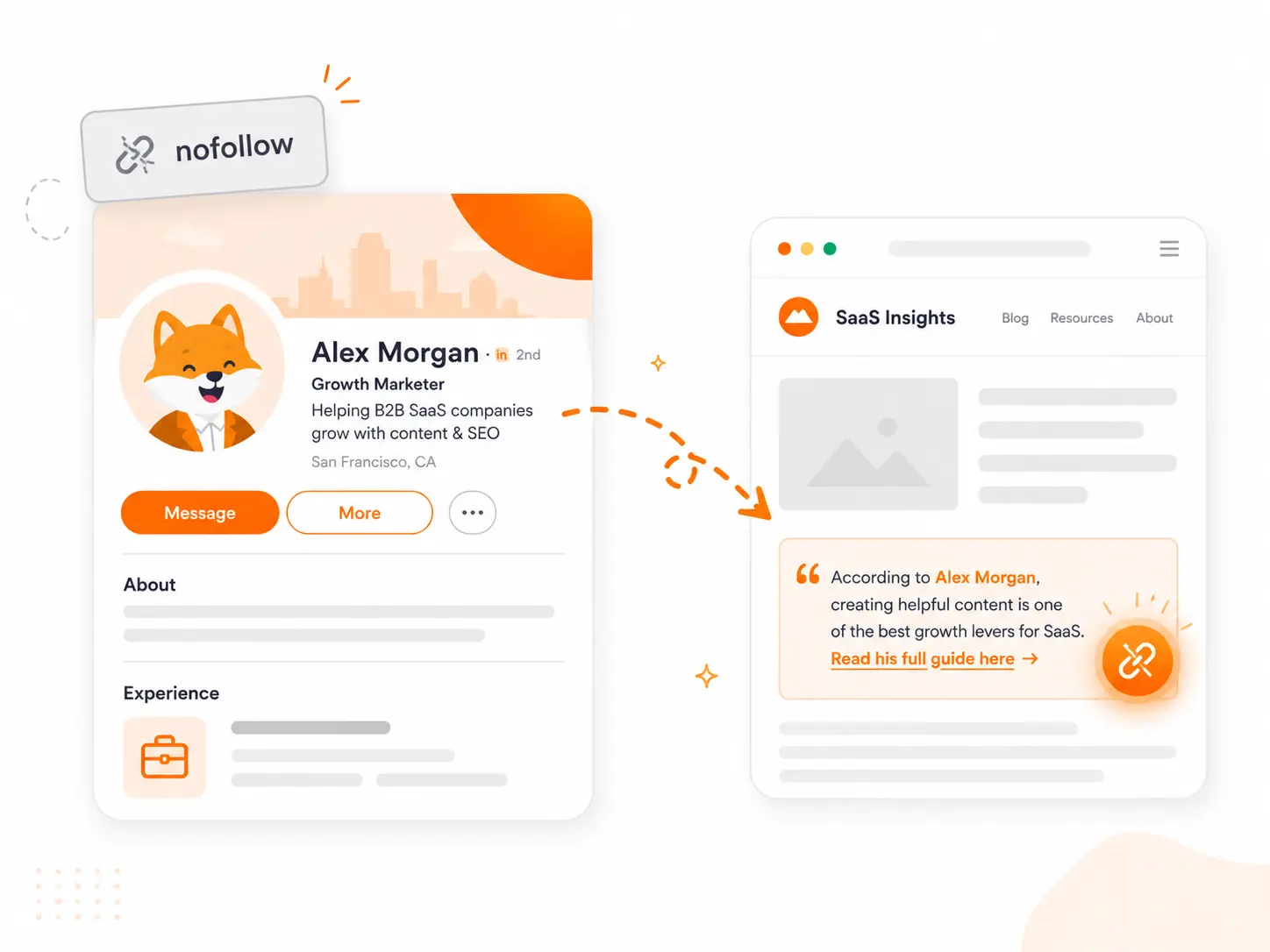
Every outbound link on YouTube carries rel="nofollow" and routes through an internal redirect script: youtube.com/redirect?q=[your-url]. This applies to all link placements on the platform:
| Location | Attribute | Notes |
|---|---|---|
| Channel About page | nofollow | Displayed on desktop banner and About tab |
| Video descriptions | nofollow | Requires Advanced Features enabled to be clickable |
| Pinned comments | nofollow / UGC | Routed through redirect gateway |
| Community posts | nofollow | Only available to channels that have unlocked the Community Tab |
| End screens and cards | nofollow | Requires YouTube Partner Program: 1,000 subscribers + 4,000 watch hours |
No dofollow exceptions exist for public-facing YouTube links. Older guides that claim the channel banner link is dofollow are based on a 2017 claim that has not held up to verification — direct DOM analysis shows all links route through the same redirect script.
Google does crawl YouTube extensively. Googlebot visits YouTube pages frequently and follows the redirect paths to discover content. But following the redirect for discovery is different from passing ranking credit — the nofollow attribute prevents the latter.
Since March 2020, Google treats nofollow as a hint rather than a directive — meaning it may choose to use nofollow links for crawl discovery and contextual signals, but is not required to. The ranking credit question remains no; the discovery question is more nuanced.
SEO tools handle YouTube backlinks differently. Ahrefs and Semrush both report them and classify them as nofollow or UGC. Google Search Console lists YouTube.com as a referring domain and does not filter by link attribute, so crawled description links appear in your Links report even though they carry no PageRank.
Are YouTube backlinks worth it?
Probably not if your only goal is to move keyword rankings. Mueller's statement is clear: links on YouTube video pages don't help your site rank or get indexed faster.
The more nuanced answer involves two experiments worth knowing:
Joy Hawkins / Sterling Sky nofollow test: The Sterling Sky team placed a single nofollow link from a high-traffic forum thread to one of their pages. No other changes. Within 24 hours, the target page showed a measurable ranking increase for its primary keyword. The test was replicated across multiple high-traffic nofollow pages with consistent results. The key variable was that the linking page itself ranked well and received active organic traffic — not simply that the link existed.
Kyle Roof's single-variable tests: Roof's isolated experiments — using nonsensical "Lorem Ipsum" test pages targeting non-competitive keywords — confirmed that nofollow links from authoritative platforms can move rankings. The lift is smaller and less consistent than a dofollow link, but it is measurable. Useful as support, not as the core of a strategy.
The practical conclusion: a nofollow link on a high-traffic, actively crawled YouTube page can pass a weak signal. A nofollow link buried deep in a channel nobody watches passes nothing.
The genuine value of YouTube backlinks sits in three places:
- Referral traffic. YouTube is the second-largest search engine. A link in the description of a video that gets real views sends real visitors — and those visitors are already in a high-intent state, actively searching for tutorials, reviews, or guides.
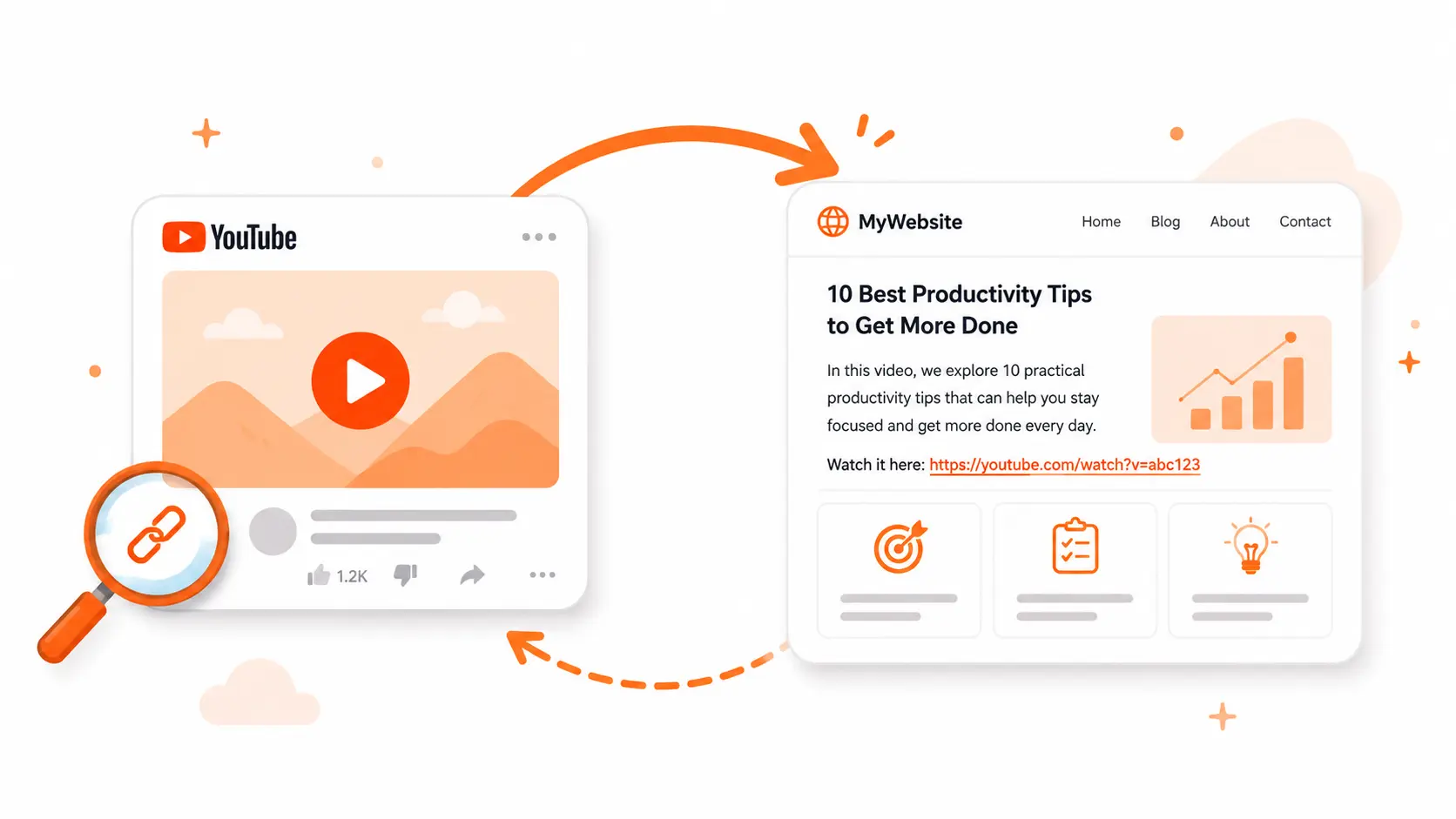
- Entity mapping. When your website links to your YouTube channel and your YouTube channel links back, Google builds a stronger association between both properties. This reinforces topical authority for your brand across both platforms.
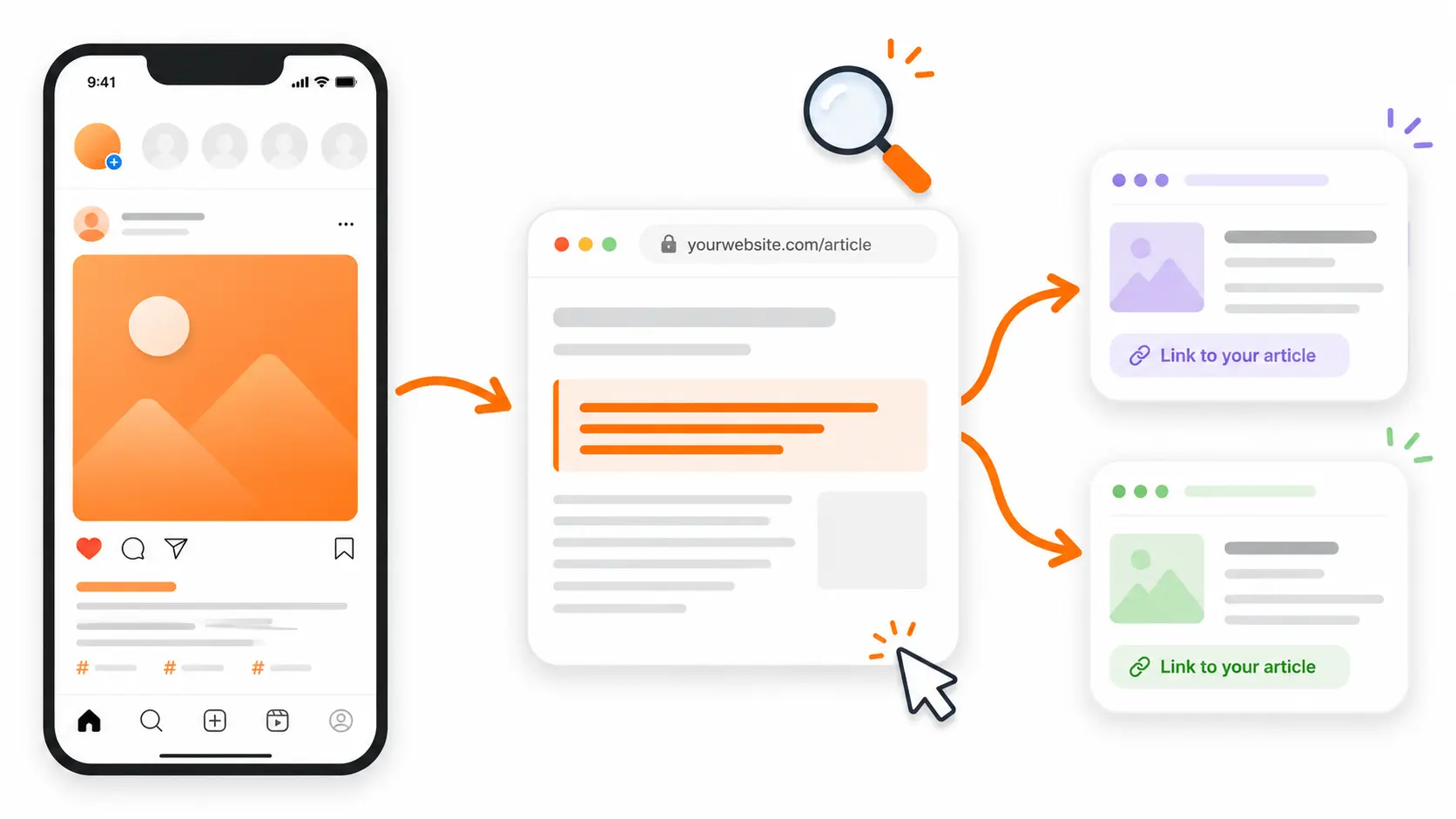
- Link profile naturalisation. A backlink profile with only dofollow links looks unnatural. Nofollow links from trusted domains like YouTube add diversity that reduces over-optimisation risk — the same logic applies to Instagram, Pinterest, and LinkedIn, which operate on identical nofollow mechanics.
Quick verdict:
| Situation | Worth pursuing? |
|---|---|
| You want to move keyword rankings directly | No |
| You want referral traffic from engaged viewers | Yes |
| You're a new site trying to get discovered | Yes — helps with crawl discovery |
| You're already making video content | Yes — add links as standard practice |
| You have no video presence and need quick wins | No — high effort, low direct ROI |
Strategies that work for small teams
Not all YouTube link strategies are equally realistic for a founder without a video team.
| Strategy | Effort | Link type | Needs own channel? |
|---|---|---|---|
| Channel About page custom links | Very low — 15 min setup | nofollow | Yes |
| Video description links | Low — per video | nofollow | Yes |
| Product submission to review channels | Medium — outreach required | nofollow | No |
| Creator outreach for resource mentions | Medium — relationship building | nofollow | No |
| Sponsored description placement | Higher — budget required | sponsored/nofollow | No |
| Comment links | Low effort, high risk | UGC/nofollow | No |
| Ranked video SEO | Very high — specialist skill | nofollow | Yes |
Channel About page and video descriptions
The baseline for any channel owner. Set your website link once in YouTube Studio under Customization → Basic Info → Links — it appears on your channel banner and About tab and requires no ongoing effort. For video descriptions, place the primary URL in the first 25 words, above the "Show More" fold, where it gets the highest click rate. Keep total links per description to five or six to avoid dilution.
Product review submissions
The highest-value play for founders without a large channel. Find YouTube channels that review tools in your category, submit your product for consideration, and the resulting link lives in a video made specifically about your niche. The link comes from a third-party creator on an active page — meaningfully more valuable than a self-added link on your own channel.
This is the strategy most worth systemising. A short outreach message that leads with the reviewer's audience goes further than a generic pitch:
Hi [Name],
I've been watching your [niche] reviews — your breakdown of [specific video] was genuinely useful.
I'm the founder of [Tool], a [one-line description]. I'd love to offer you free access if it's something you'd consider covering for your audience.
No pressure on the angle — happy for you to be honest about it.
Would that be useful?
[Your name]
Creator outreach for resource mentions
Identify creators covering topics adjacent to your product, reach out with a specific resource or data point that adds value to their audience, and ask whether they'd reference it. This doesn't require owning a channel — you're the resource, not the channel. The strongest version of this is building something genuinely citable: original data, a free tool, or a study that creators naturally want to point their audience to. The same asset-first logic applies if you're also publishing on Medium — content that earns mentions on one platform tends to earn them on others.
Sponsorship placements
Paying a creator for a sponsored slot produces a rel="sponsored" link per Google's guidelines. The direct ranking value is low, but referral traffic can be significant if the channel audience matches your product. Treat this as a paid acquisition channel rather than a link-building channel.
Comment links
Not worth pursuing for link building. Comments are UGC-tagged, easy to detect as spam, and frequently removed by YouTube's automated filters. The effort-to-value ratio is poor and the spam risk is real. Skip them.
Two technical details most guides miss
Advanced Features are required for clickable description links
If you paste a URL into your video description and it appears as plain, unclickable text, this is why. YouTube locks clickable external links behind channel verification. You must enable Advanced Features inside YouTube Studio by verifying your channel with a phone number or submitting a government-issued ID. Without this step, viewers cannot click your links — they appear as text only.
Long URLs break in Googlebot's hands
When you paste a long URL into a description, YouTube's interface visually truncates it. Googlebot sometimes grabs the truncated visible string rather than the underlying full URL, and when it attempts to fetch that broken path your server returns a 404. This wastes crawl budget and generates spurious errors in Search Console. Use clean, short URLs or a branded redirect for all description links.
How to maximise value from nofollow YouTube links
Three practices compound the value you get from YouTube backlinks regardless of their attribute:
Put the link first. Placing your primary URL in the first 25 words of the description keeps it visible above the fold before viewers click "Show More." That positioning change directly increases click-through rate.
Embed the video on the corresponding page of your site. When you publish a video about a topic your site also covers, embed the YouTube video on that page. Viewers who land on your site and watch the embedded video increase dwell time. The description link and the site page now point to each other, creating a clean reciprocal relationship that reinforces entity alignment.
Use Schema markup to formalise the connection. Adding sameAs tags in your site's structured data to declare your YouTube channel as an official brand property helps Google's Knowledge Graph resolve both entities as a single brand. This is particularly useful for new sites building topical authority from scratch.
What to avoid
A few approaches have real downside risk, not just low ROI:
Automated comment spam. Using bots or scripts to drop links into popular YouTube comment sections violates both Google's Webmaster Guidelines and YouTube's Spam Policies. YouTube's automated filters detect repetitive link patterns quickly. Accounts caught in comment-spam schemes are routinely terminated — you lose the channel, all hosted video assets, and any authority you'd built. Even if comments survive, they pass no meaningful value.
Sponsoring links without proper tagging. Paid link placements that don't carry rel="sponsored" violate Google's link scheme guidelines. If Google identifies the pattern, it can apply a manual spam action. Always use the sponsored attribute for any link you've paid for.
Creating videos purely for links. Building a channel where every video exists only to drop a description link is an unnatural linking pattern. The links only pass anything on pages that receive genuine traffic and crawl attention — a channel nobody watches produces nothing useful.
Finding YouTubers worth reaching out to
The bottleneck in any YouTube outreach strategy is discovery — knowing which creators already cover topics adjacent to your product and would have a genuine reason to link to you. The process is the same as finding any backlink opportunity, just scoped to video creators.
A useful starting point: search Google for site:youtube.com "[your niche] review" or site:youtube.com "best [your category] tools". This surfaces YouTube videos that Google has already indexed and ranked for your topic — exactly the creators whose audiences already care about what you do.
From there, check each channel's About tab for a contact email, assess whether their audience matches your product, and work from the outreach template above.
Mentiohunt's backlink opportunity queue can speed up the discovery step — surfacing websites and contact details across platforms, including content creators in adjacent niches, without the manual YouTube search loop.
Founder of Mentiohunt. Built the company's own backlink pipeline using the same methods covered here — expert quote outreach, journalist sourcing platforms, and citation-worthy assets. Writes about link prospecting and founder-led distribution.
@nicolasmore_Turn platform research into a recurring opportunity queue.
Mentiohunt helps founders turn article URLs, competitors, keywords, and product context into qualified backlink opportunities with fit rationale and outreach prep.